

1
Install from Web Store
Add ChartingView to Chrome in one click directly from the official store.
Keep your eyes on your work while ChartingView streams live prices straight onto your extension icon badge. Hover for your watchlist, click for quick charts.
Add to Chrome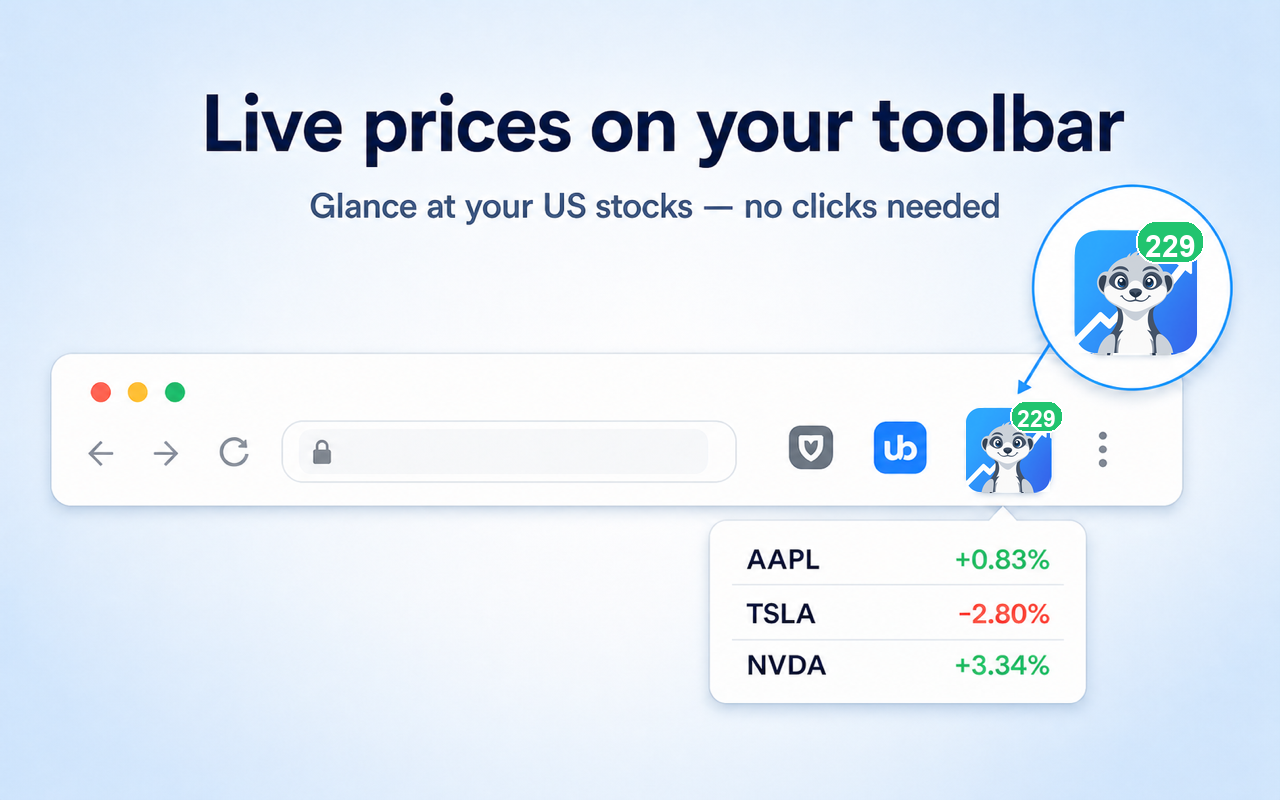
No registration, no account setup, no tab switching required.
Add ChartingView to Chrome in one click directly from the official store.
Click the puzzle icon in Chrome and pin ChartingView to your extension toolbar.
The extension icon badge displays your main stock price. Hover anytime for details.
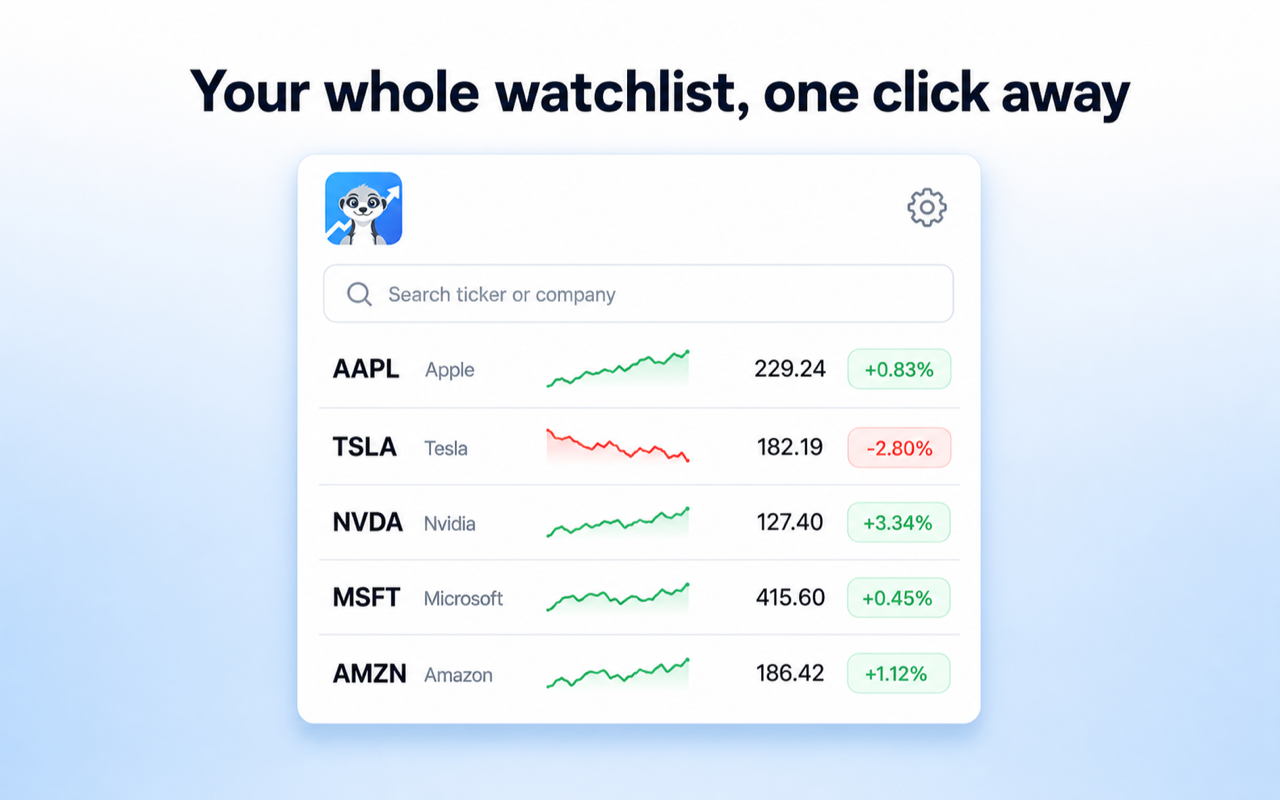
Click the extension icon to view your personalized watchlist. Quickly search and track US stocks, ETFs, market indices (SPX, NDX, DJI), Gold, and VIX.
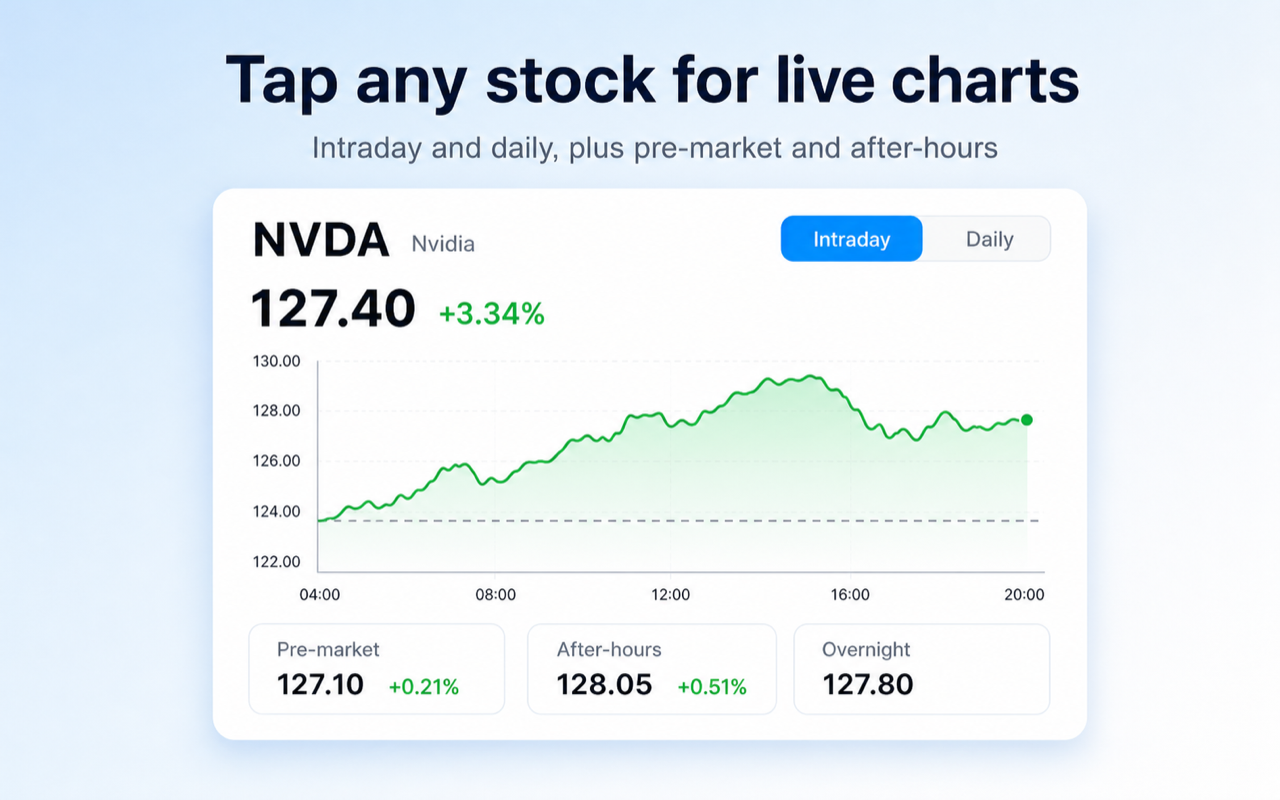
Inspect clean price action with intraday and daily K-line charts. Pre-market, after-hours, and night trading quotes are displayed automatically when available.
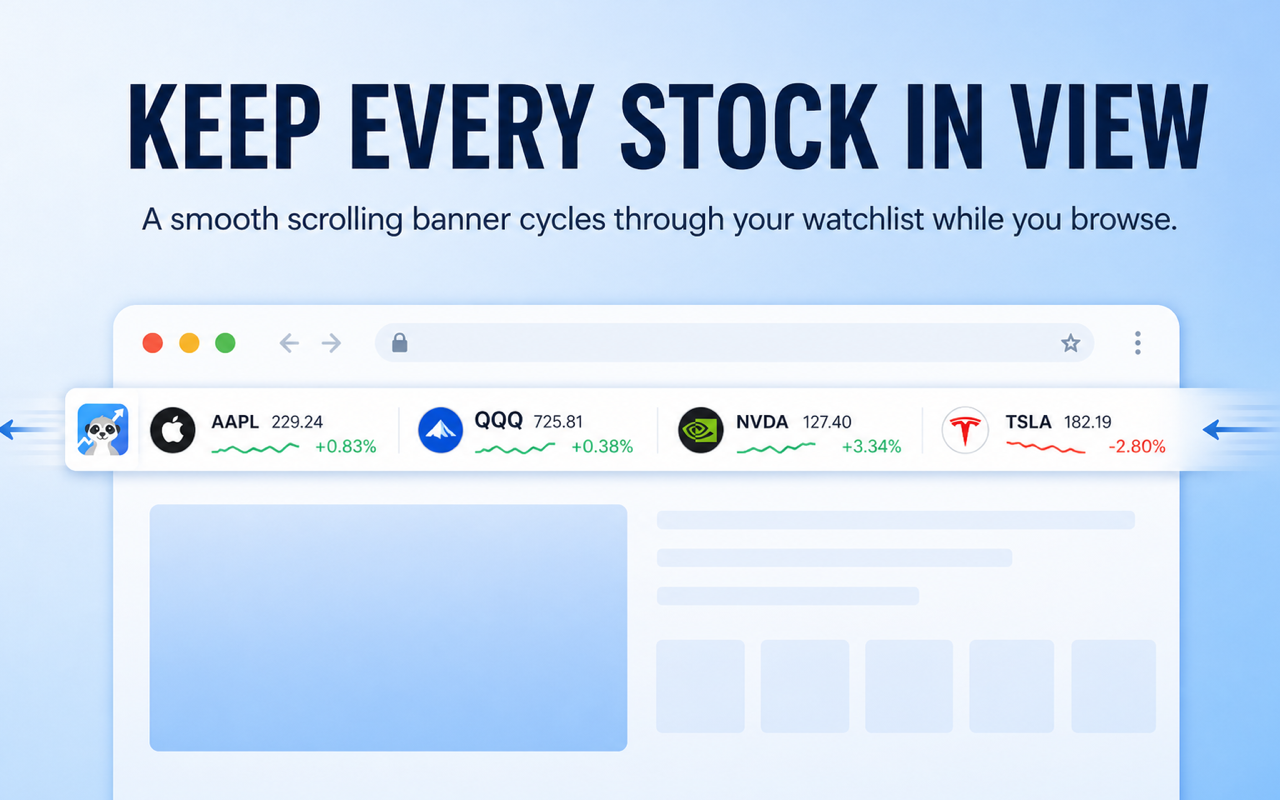
Enable an optional ticker bar at the top of your browser windows to stream live quotes across websites while reading documentation or writing code.
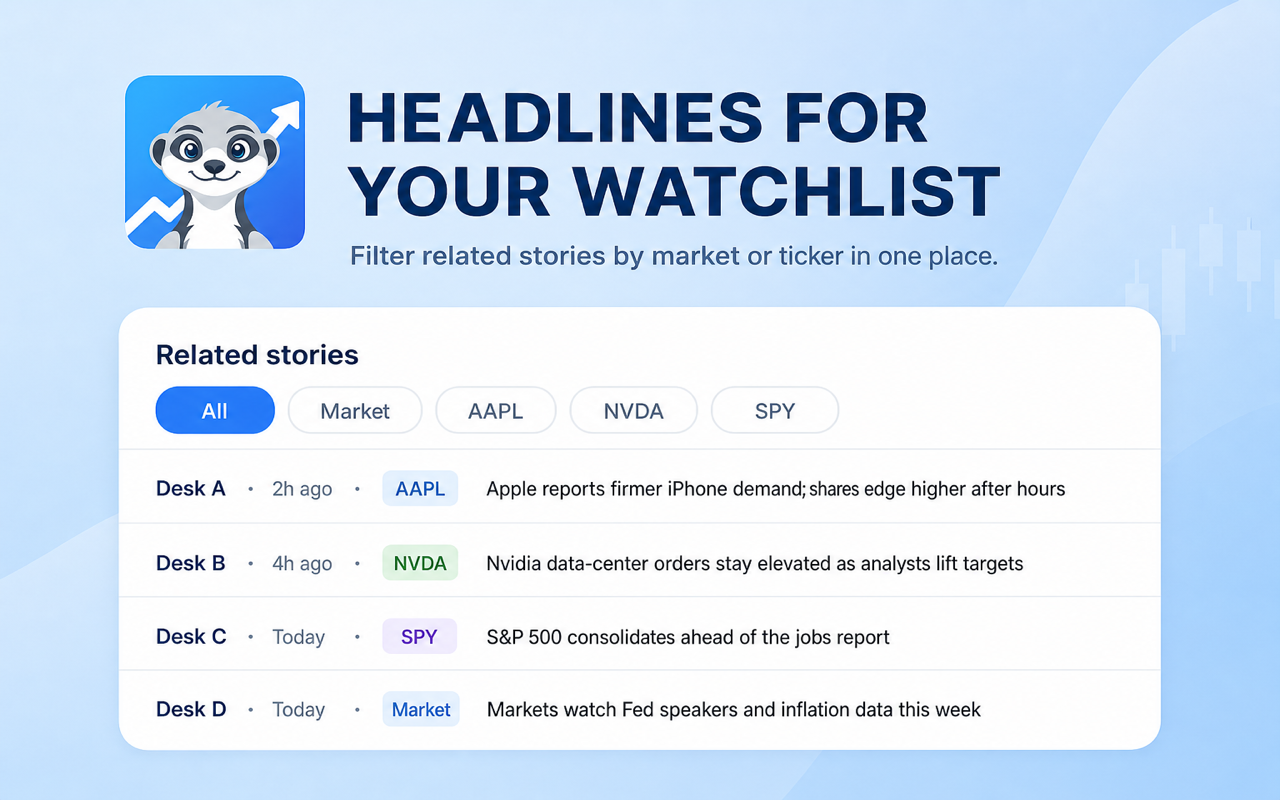
Stay up to date with key news headlines for your tracked symbols without opening heavy media sites or leaving your main workspace.
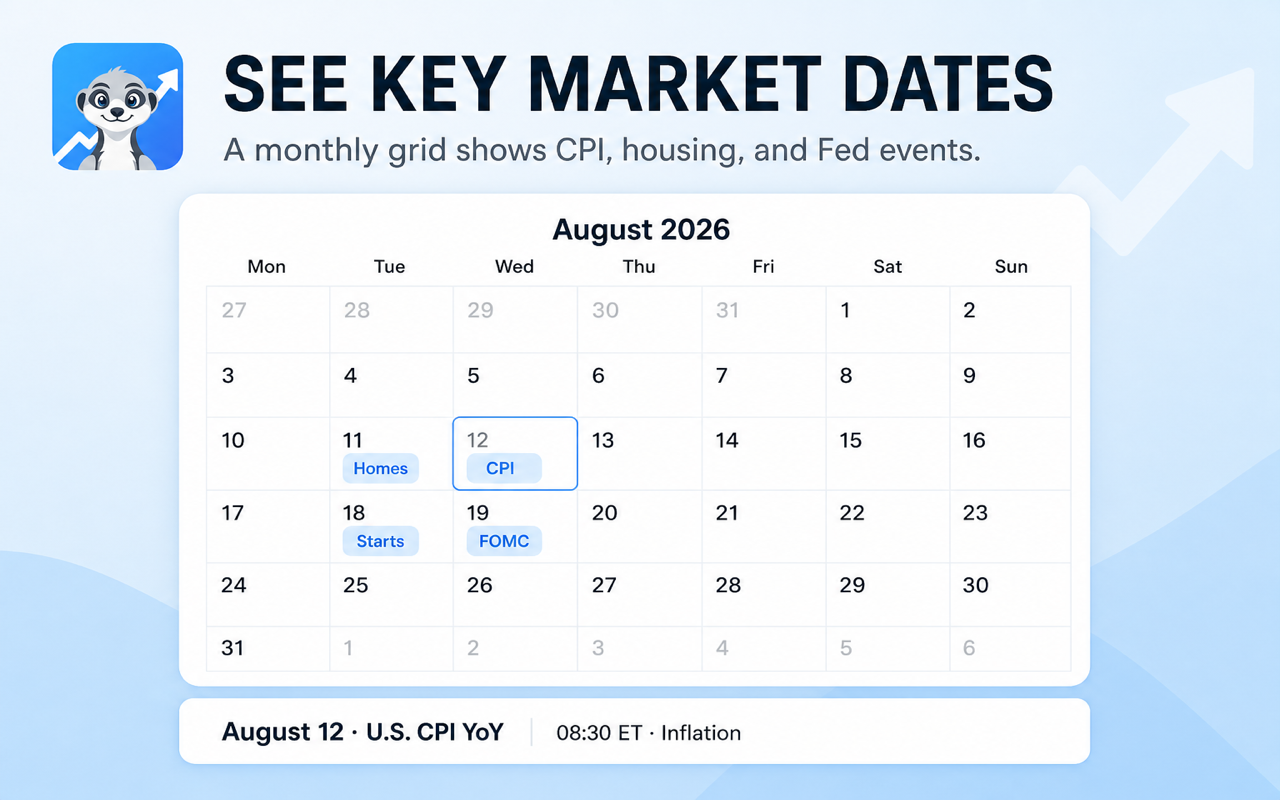
Track crucial macroeconomic releases including CPI reports, housing statistics, and Federal Reserve interest rate announcements in a grid calendar view.
We built ChartingView for fast price checks while working, keeping complex trading tools out of your browser toolbar.
Install ChartingView from the Chrome Web Store and keep an eye on your watchlist directly from your toolbar.
Add to Chrome