

1
One image: click Clean & Download
A clean action appears next to generated images. Click once to patch the visible corner mark locally and download a PNG, WebP, or JPEG.
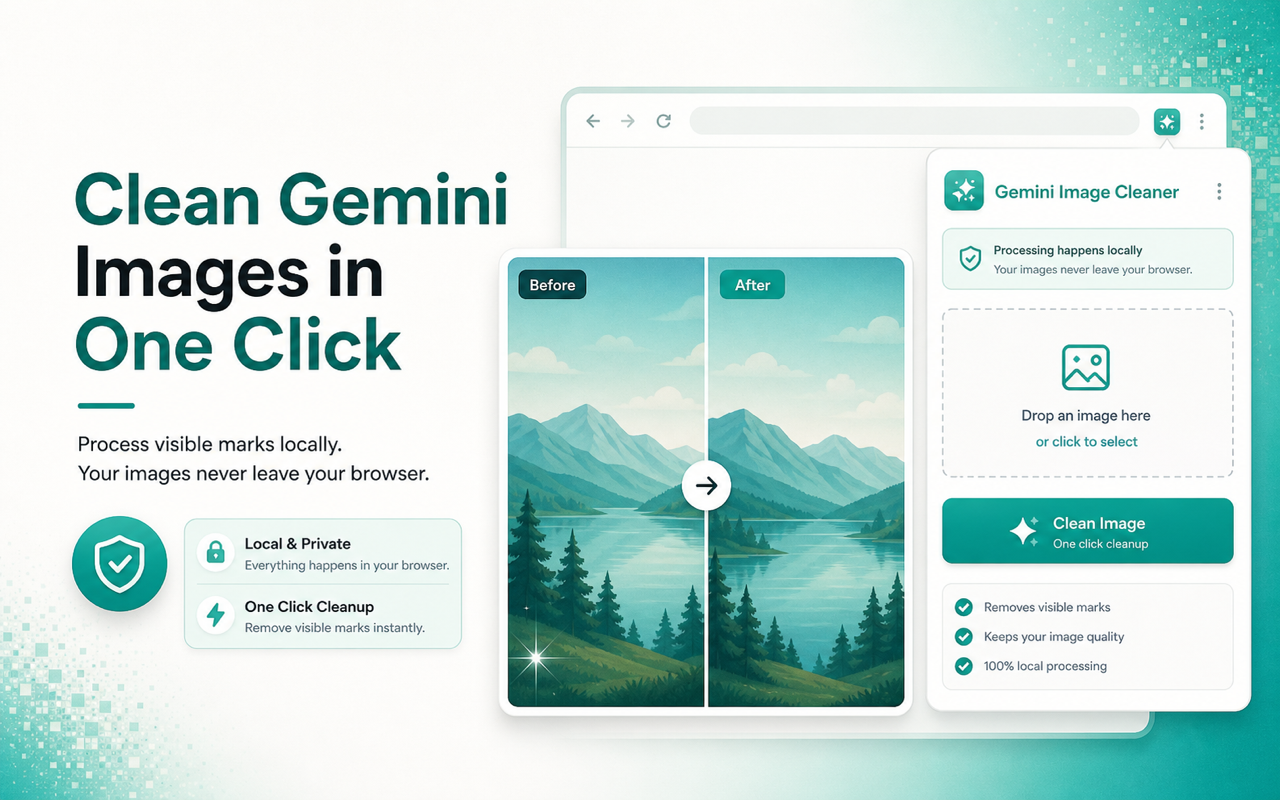
Gemini Image Cleaner is a Chrome extension that removes visible Gemini and Nano Banana corner marks from images you are authorized to use. Processing happens locally in the browser; images, prompts, and conversation text are not uploaded. It can clean one image or batch-download a Gemini conversation as a ZIP.
No account needed. After install, a clean button appears next to Gemini images.

Open Gemini, Nano Banana, or Google AI Studio, clean the visible corner mark next to the image, then download the clean file locally.
A clean action appears next to generated images. Click once to patch the visible corner mark locally and download a PNG, WebP, or JPEG.
It can clean one image or batch-download a Gemini conversation as a ZIP. Select several images from the current session and export clean files in one click.



Answers common questions: how to remove a Gemini watermark, where to check pricing, whether it uploads, and whether it removes SynthID.
Install the Gemini Image Cleaner Chrome extension. Open a generated image on Gemini, Nano Banana, or Google AI Studio, then click Clean & Download next to the image. The visible corner mark is cleaned in your browser before the file is saved.
Install this gemini-watermark-remover. It cleans visible corner marks only, does not upload your images, and does not process video.
Add to Chrome