

Chrome Extension · Web Playback Control
Add Playback Speed, Auto-Play & Picture-in-Picture to ReelShort & DramaBox Web Players
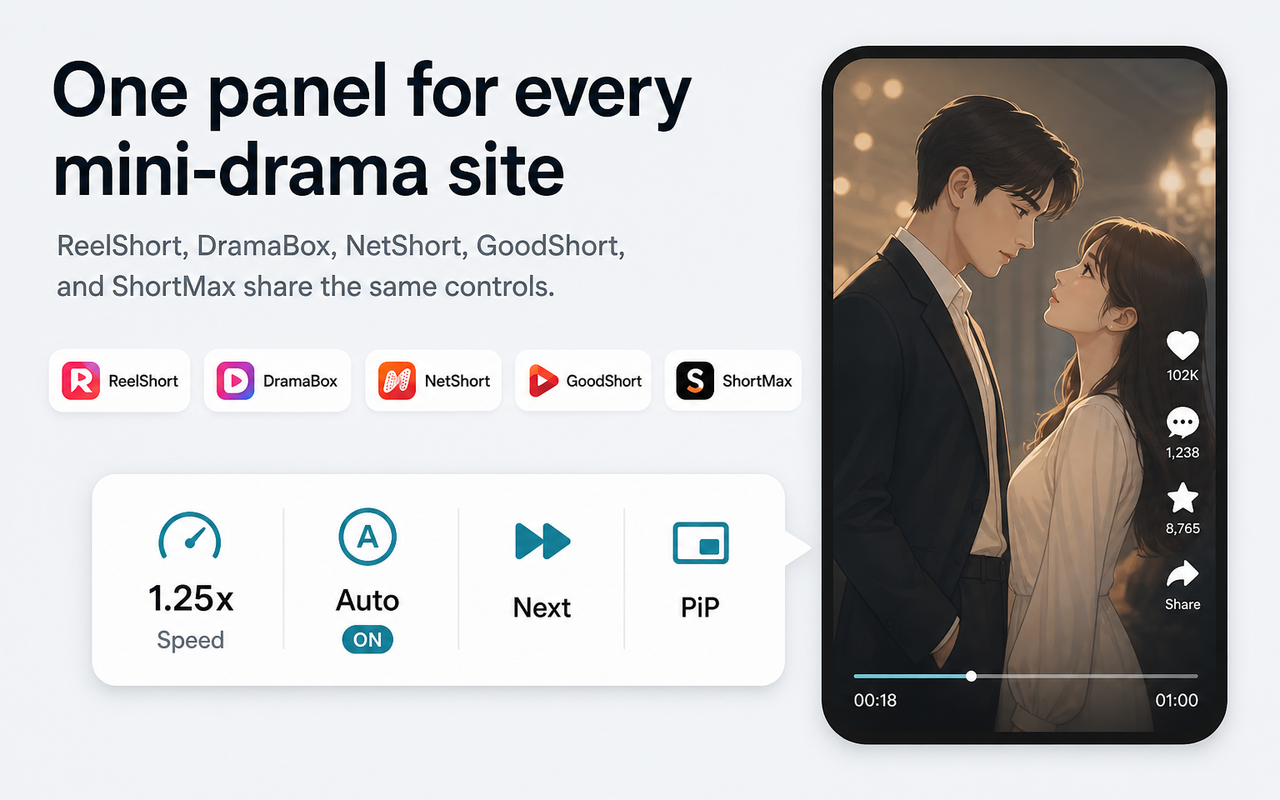
Purpose-built Chrome extension for ReelShort, DramaBox, NetShort, GoodShort, and ShortMax web players.
Supported Platforms:ReelShort·DramaBox·NetShort·GoodShort·ShortMax
CORE CAPABILITIES
Streamlined Controls Built for Web Drama Viewing
Filling native web player feature gaps for a smooth binge-watching experience.
0.5x - 3.0x Speed Control
Quick speed toggling and fine-tuning to match any drama pacing.
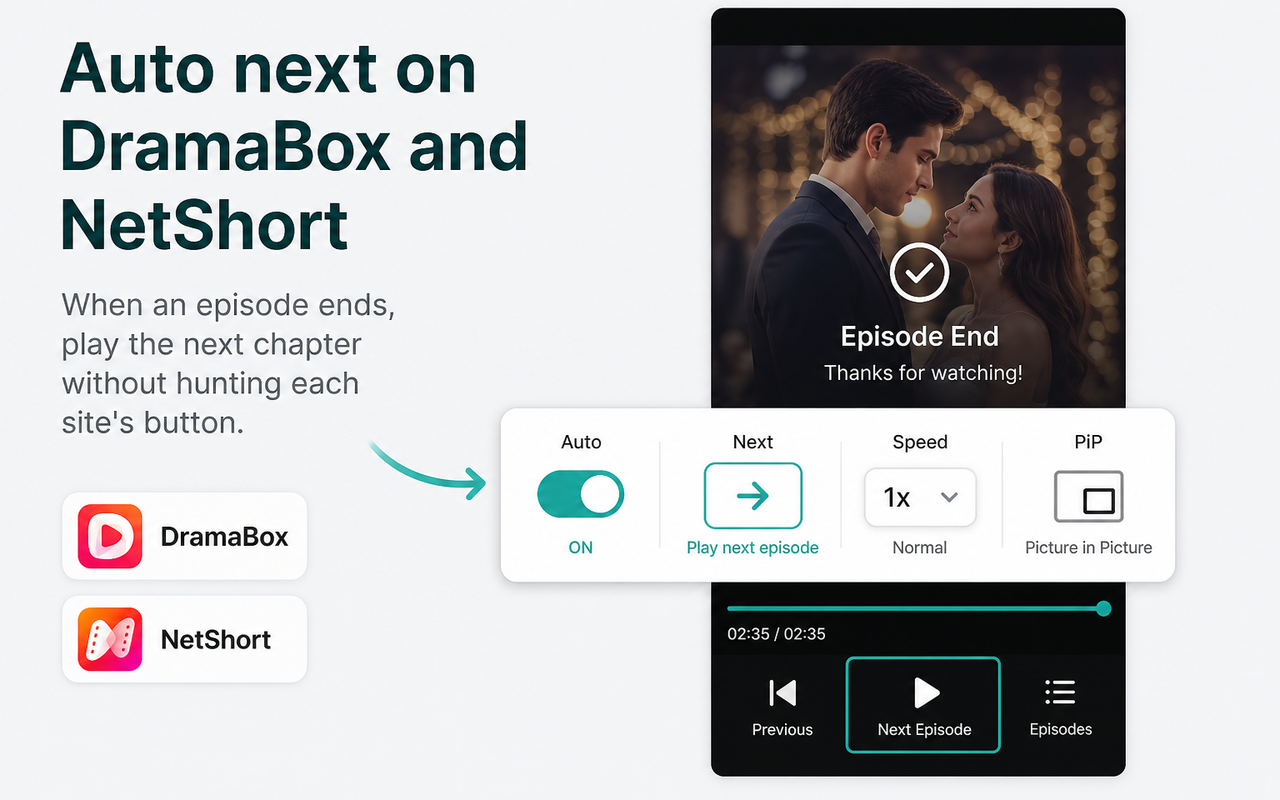
Auto Next Episode
Seamlessly triggers the next episode when current playback ends.
- Detects the next-episode control and continues playback
- Remember a default playback speed
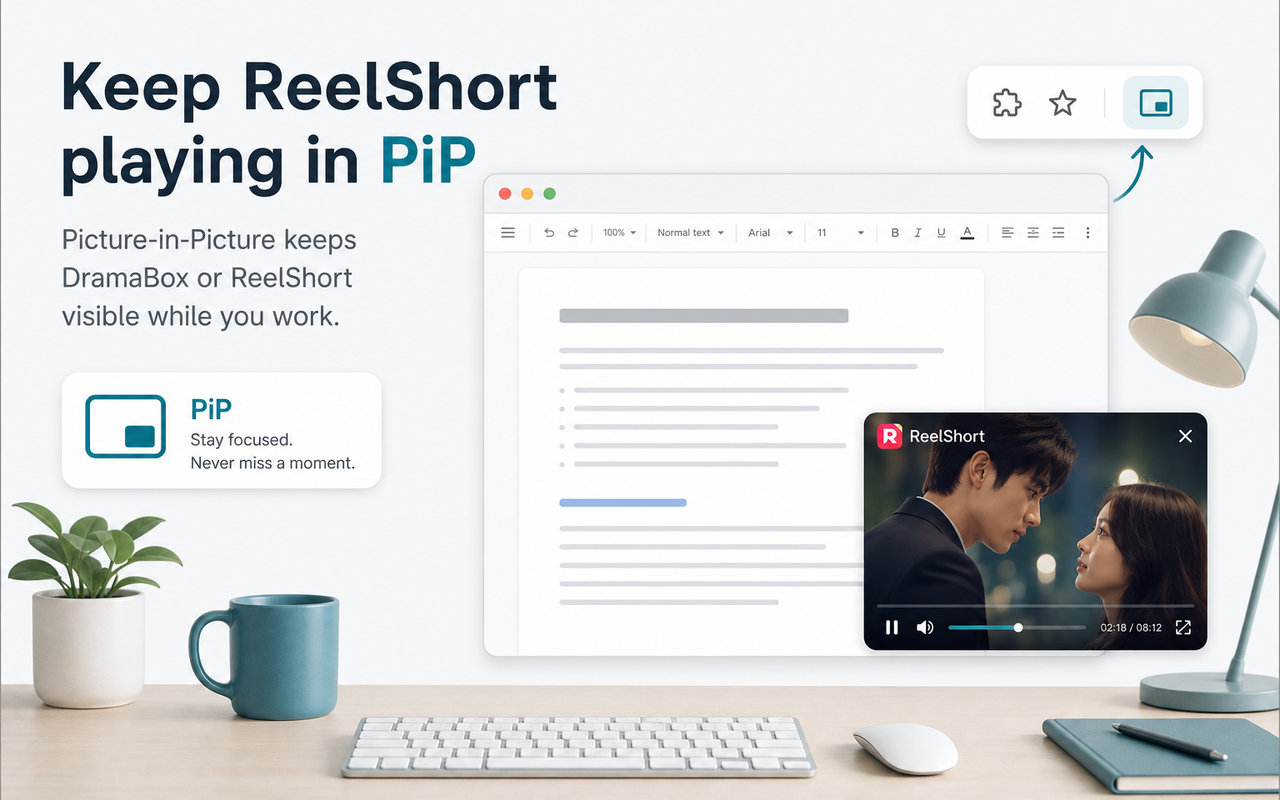
Picture-in-Picture Mode
Pop out the drama into a floating desktop window for multitasking.
Web Fullscreen Mode
Expand the video player to fill the entire browser viewport.
- Fill the browser viewport
- Drag and resize the Picture-in-Picture window
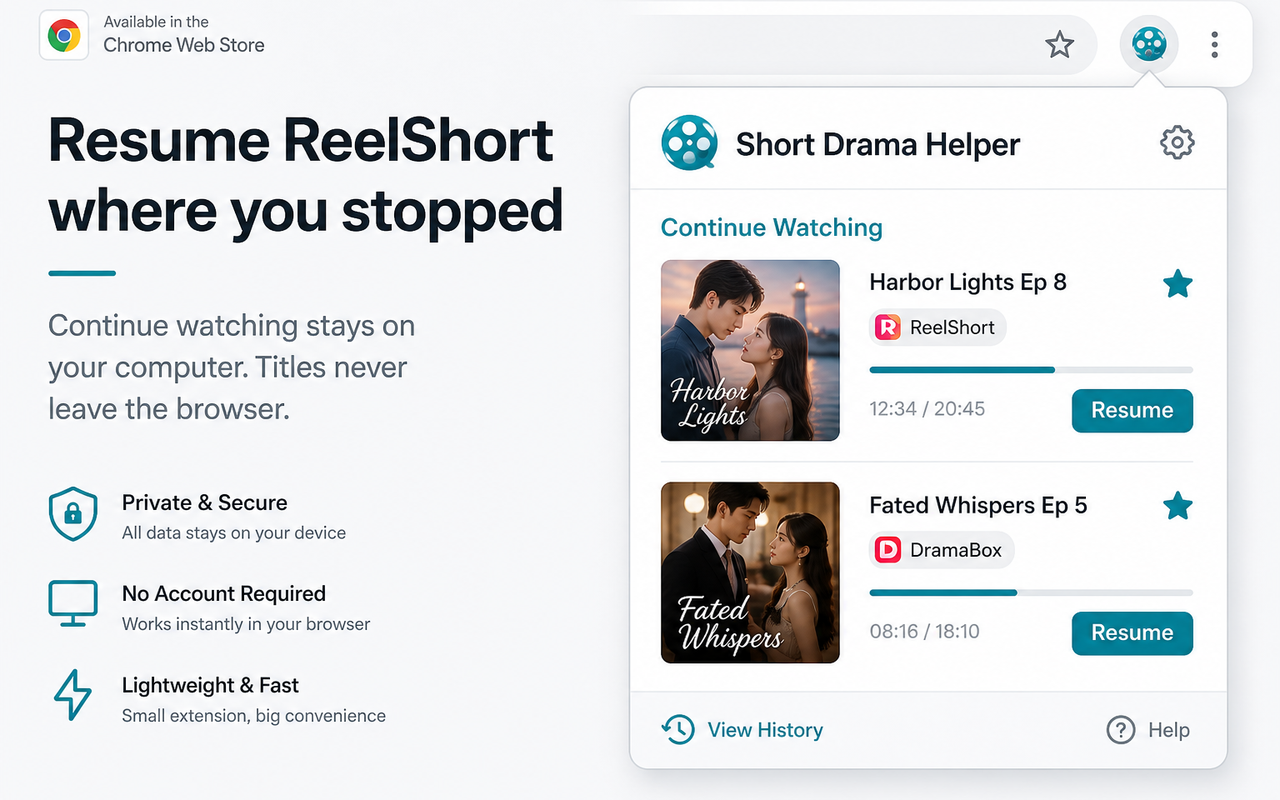
Local Progress Resume
Saves episode progress locally to instantly resume anytime.
Quick Watchlist Bookmarks
Bookmark favorite series locally for fast access in popup.
BOUNDARIES & DATA
Clear Boundaries & Data Transparency
A playback overlay for listed web players, with local watch data kept in the browser.
Explicit Non-Goals
- No video hosting: Does not host, store, or produce video content.
- No paywall bypass: Does not unlock paid episodes or bypass DRM.
- No video downloads: Provides playback UI controls only; it does not scrape media files.
Data Boundaries
- Watch data stays local: Drama titles, episode numbers, page URLs, and playback position are not sent to WindSeed.
- Local storage only: Watch progress and bookmarks stay in the current browser's Chrome Storage.
- Minimal host permissions: Follows Chrome Web Store policies and requests only the listed player-page hosts.
FAQ
Frequently Asked Questions
A faster way to watch web short dramas
Install the Chrome extension, then turn on speed control and auto next on ReelShort, DramaBox, and more.
Add Chrome Extension